How to Remove Watermark from Photo Without Photoshop (2026)
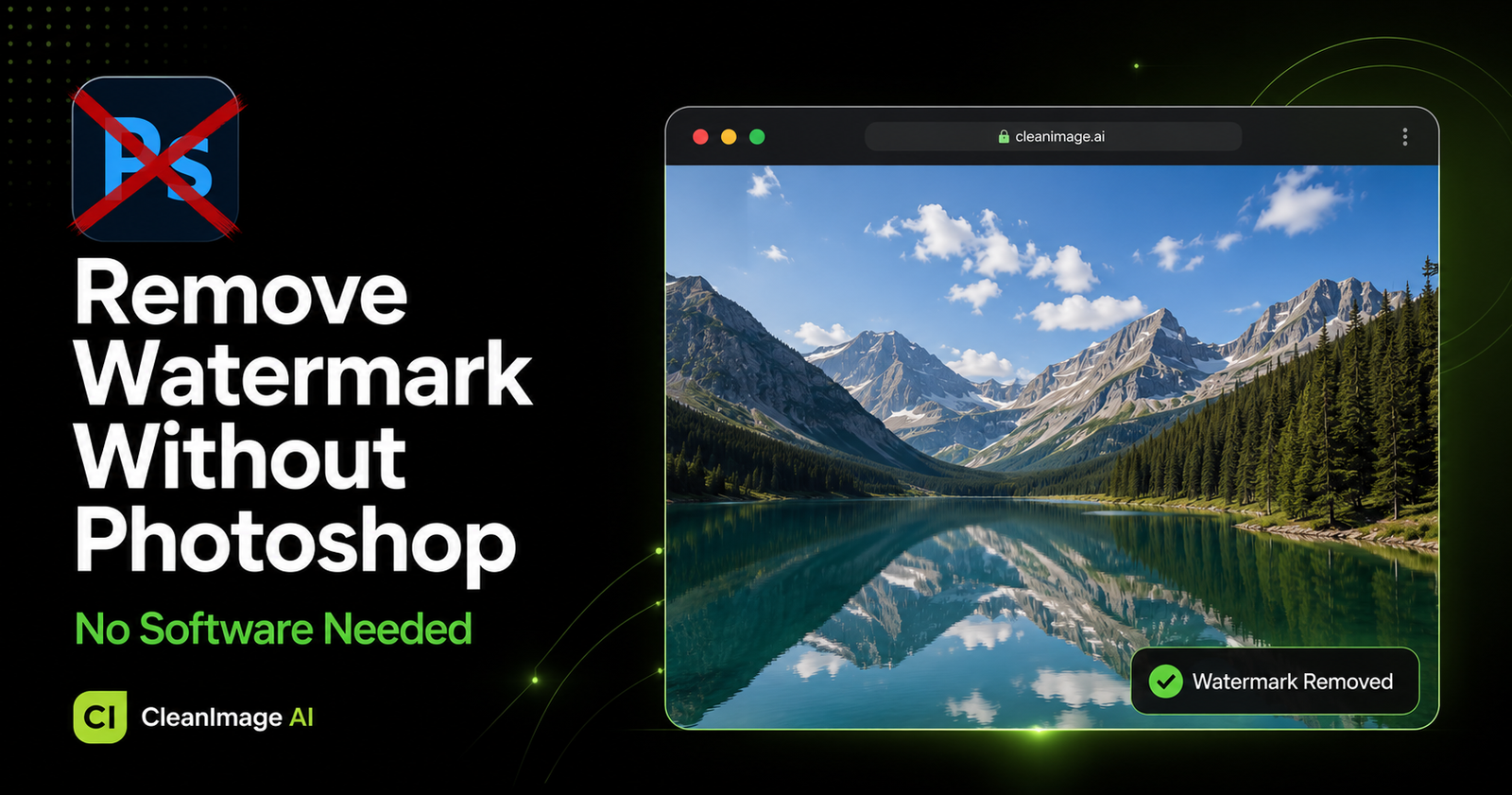
Remove watermark from photo without Photoshop in seconds — no expensive software, no technical skills, completely free. If you have been struggling with complicated Photoshop tutorials just to clean a simple watermark, there is a much easier way.
In this guide, we will show you exactly how to remove watermark from photo without Photoshop using a free AI-powered tool that works directly in your browser.
Why People Want to Remove Watermark Without Photoshop
Photoshop is expensive, complicated, and time-consuming. Most people just want to remove watermark from photo quickly — without spending hours learning complicated software.
Here is why people avoid Photoshop for watermark removal:
- Photoshop costs $20-$55 per month
- Requires technical skills and training
- Time-consuming process for simple tasks
- Not available on mobile devices easily
- Too complicated for beginners
There is a much better way — free AI watermark removal that takes seconds.
According to Wikipedia, image editing software has become increasingly complex over the years. Learn more about image editing here.
Best Free Tool to Remove Watermark Without Photoshop
CleanImage AI is the best free alternative to Photoshop for watermark removal. It uses advanced artificial intelligence to detect and remove watermarks automatically — no skills needed.
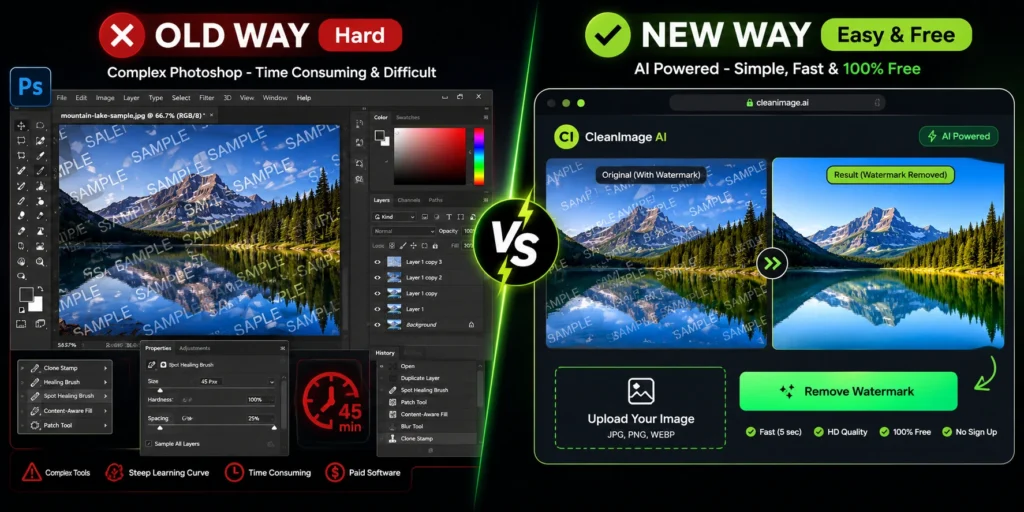
Why CleanImage AI is Better Than Photoshop:
| Feature | Photoshop | CleanImage AI |
|---|---|---|
| Price | $20-55/month | 100% Free |
| Skills Needed | Advanced | None |
| Time Required | 30-60 minutes | Seconds |
| Mobile Friendly | No | Yes |
| Signup Required | Yes | No |
How to Remove Watermark from Photo Without Photoshop — Step by Step
Follow these simple steps to remove watermark from photo without Photoshop using CleanImage AI:
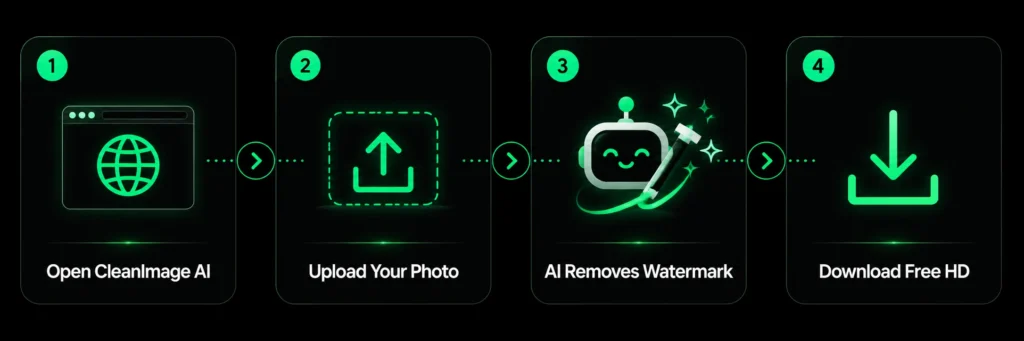
Step 1: Open CleanImage AI
Go to cleanimageai.com/ai-watermark-remover in your browser — works on Windows, Mac, and mobile. No download or signup needed.
Step 2: Upload Your Photo
Click the upload button or drag and drop your photo. Supported formats are JPG, PNG, and WEBP.
Step 3: AI Removes the Watermark Automatically
Our advanced AI scans your photo, detects the watermark, and removes it intelligently — preserving the original background and quality. No manual selection needed.
Step 4: Download Your Clean Photo
Preview your watermark-free photo and click Download. Full HD quality — completely free.
What Watermarks Can You Remove Without Photoshop?
CleanImage AI can remove watermark from photo without Photoshop including:
- Stock photo watermarks — Shutterstock, Getty, iStock
- Brand logo watermarks
- Text and date stamps
- Background watermarks
- Social media watermarks
- Copyright stamps
Remove Watermark from Photo Without Photoshop — On Any Device
One of the best things about CleanImage AI is that it works on every device:
- ✅ Windows PC — works in Chrome, Firefox, Edge
- ✅ Mac — works in Safari, Chrome
- ✅ iPhone — works in mobile browser
- ✅ Android — works in mobile browser
- ✅ Tablet — works perfectly
No Photoshop installation needed — ever!
Frequently Asked Questions
Can I really remove watermark from photo without Photoshop for free?
Yes! CleanImage AI lets you remove watermark from photo without Photoshop completely free — no signup, no payment, no software.
Is CleanImage AI as good as Photoshop for watermark removal?
For watermark removal specifically, CleanImage AI is actually faster and easier than Photoshop. Our AI does the work automatically in seconds — no manual editing needed.
Does removing watermark without Photoshop affect image quality?
No! CleanImage AI maintains full HD quality after watermark removal. Your photo will look clean and natural — no blurring or pixelation.
Can I remove watermark from photo without Photoshop on iPhone?
Yes! CleanImage AI works perfectly on iPhone and Android. Simply open your mobile browser, upload your photo, and remove watermark without Photoshop — no app download needed.
How many photos can I clean without Photoshop?
There is no limit! You can remove watermark from photo without Photoshop on unlimited images — all completely free.
What file formats are supported?
You can upload JPG, PNG, and WEBP photos to remove watermarks without Photoshop instantly.
Conclusion
You do not need expensive Photoshop software to remove watermarks from photos. With CleanImage AI, you can remove watermark from photo without Photoshop in seconds — completely free, no signup, no skills needed.