How to Remove Watermark from Image Free Online (2026)
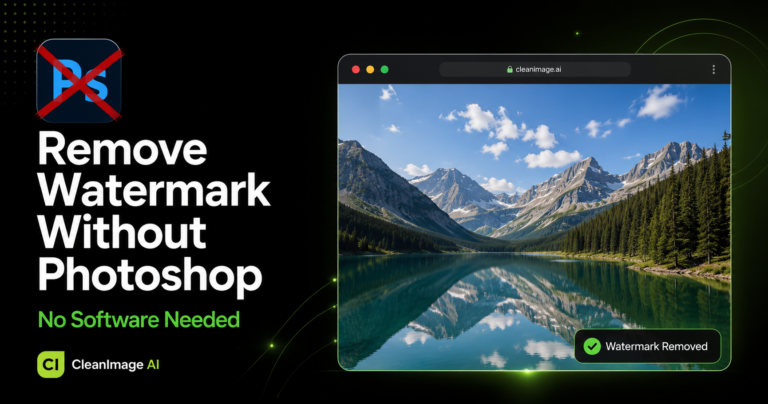
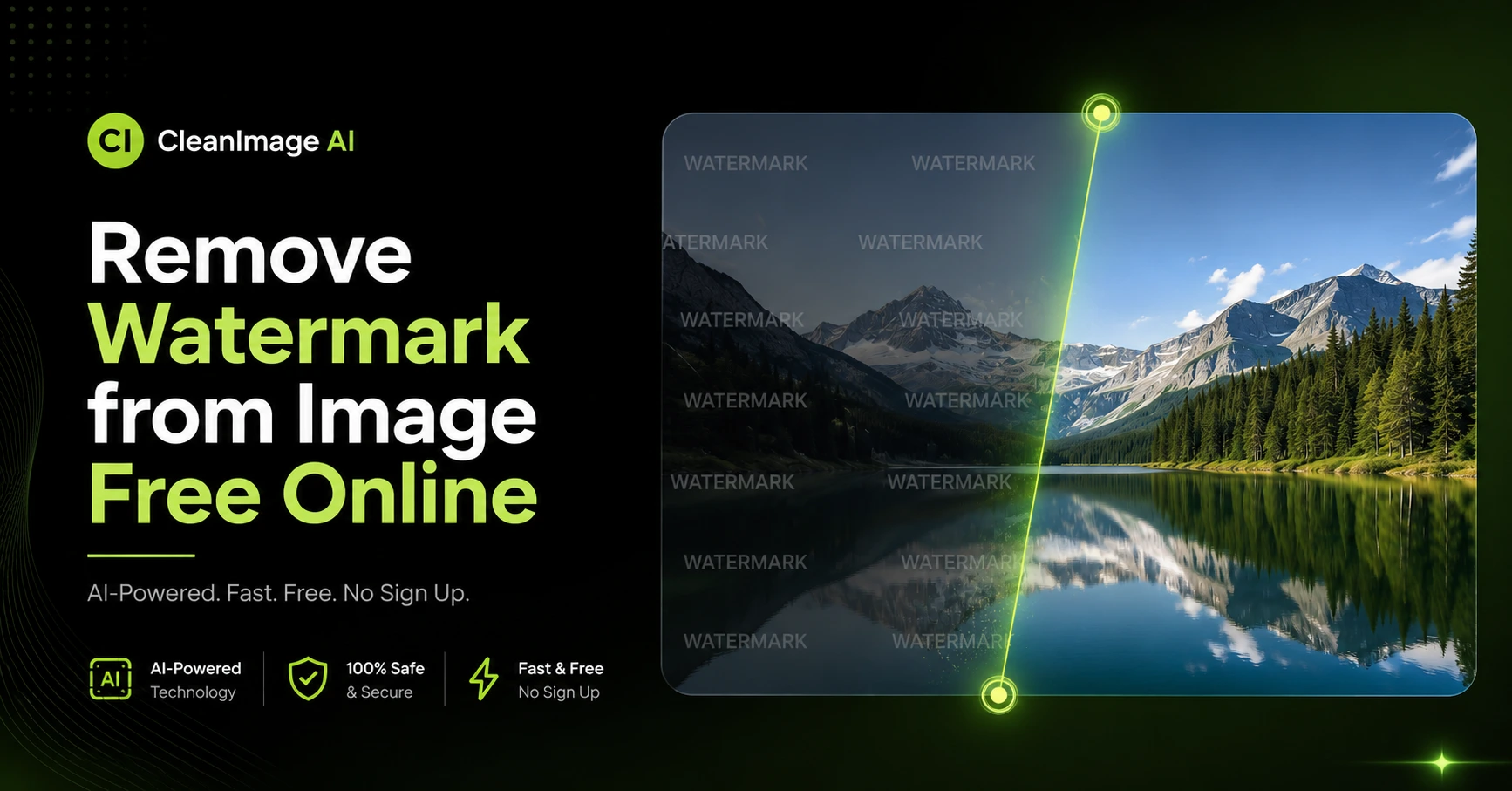
Remove watermark from image free online in seconds using CleanImage AI — no signup required, no software needed, completely free. Whether it is a stock photo watermark, a brand logo, or an ugly text stamp, our AI-powered tool cleans your image instantly in HD quality.
Millions of people search every day for a simple and fast way to remove watermarks from their photos. In this guide, we will show you exactly how to do it step by step.
What is a Watermark and Why Remove It?
A watermark is a text, logo, or stamp placed on an image — usually to show ownership or copyright. Stock photo websites like Shutterstock and Getty Images add watermarks to their preview images.
People want to remove watermarks from images for many reasons:
- Cleaning product photos for online stores
- Removing logos from personal photos
- Editing images for social media posts
- Removing date stamps from old photos
- Cleaning branded images for presentations
According to Wikipedia, a watermark is a recognizable image or pattern used to identify ownership. Learn more about watermarks here.
How to Remove Watermark from Image Free Online — Step by Step
Using CleanImage AI is the easiest way to remove watermark from image free online. Follow these simple steps:
Step 1: Open CleanImage AI Watermark Remover
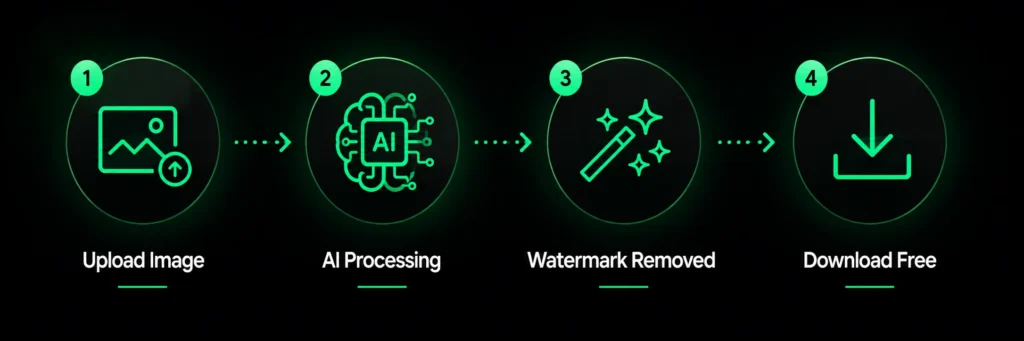
Go to cleanimageai.com/ai-watermark-remover — no signup or account needed. The tool opens instantly in your browser.
Step 2: Upload Your Image
Click the upload button or drag and drop your image directly. Supported formats are JPG, PNG, and WEBP.
Step 3: Let AI Remove the Watermark
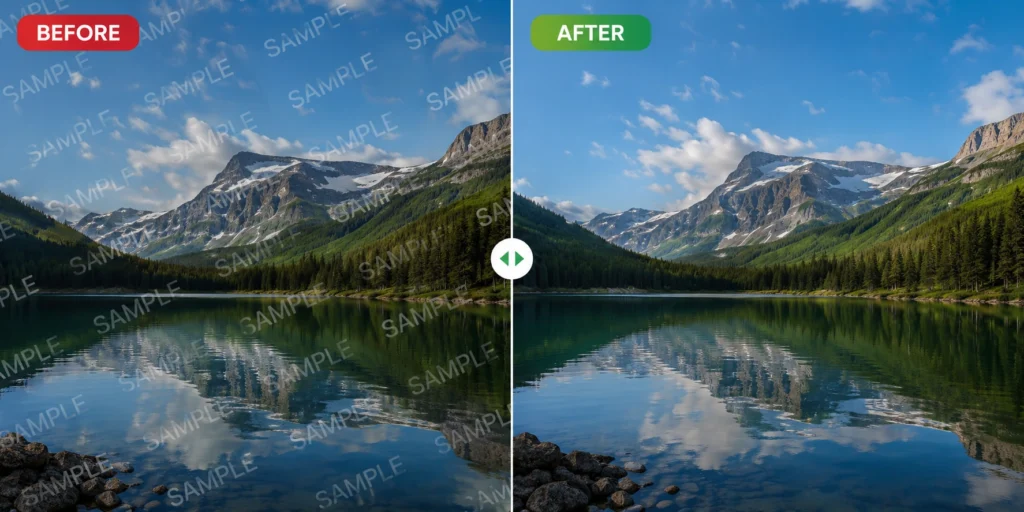
Our advanced AI automatically scans your image, detects the watermark, and removes it intelligently — preserving the original background and quality.
Step 4: Download Your Clean Image
Preview your watermark-free image and click Download. Your image is ready — HD quality, completely free.
Why CleanImage AI is the Best Free Watermark Remover
There are many tools online — but CleanImage AI stands out because:
- ✅ 100% Free — no hidden charges ever
- ✅ No Signup Required — start instantly
- ✅ AI-Powered — smart, accurate results
- ✅ HD Quality Output — no quality loss
- ✅ Works on All Watermarks — logos, text, stamps
- ✅ Fast Processing — done in seconds
What Types of Watermarks Can You Remove?
CleanImage AI can remove watermark from image free including:
- Stock photo watermarks — Shutterstock, Getty, iStock
- Brand logo watermarks on product photos
- Text and date stamps on personal photos
- Background watermarks on documents
- Social media watermarks on posts
Frequently Asked Questions
Is it really free to remove watermark from image?
Yes! CleanImage AI is completely free. You can remove watermark from image free without any signup or payment — no hidden charges ever.
Will image quality be affected after removing watermark?
No. Our AI maintains full HD quality. Your image will look clean and natural after watermark removal — no blurring or pixelation.
What image formats are supported?
You can upload JPG, PNG, and WEBP images to remove watermarks online instantly.
Do I need to install any software?
No software needed. CleanImage AI works directly in your browser — just upload and download. Works on Windows, Mac, and mobile.
Can I remove watermark from image free on mobile?
Yes! CleanImage AI works on all devices including mobile phones and tablets. Simply open the browser and remove watermark from image free — no app needed.
How many images can I clean for free?
There is no daily limit. You can remove watermark from image free on as many images as you need — completely unlimited.
Conclusion
Removing a watermark from an image has never been easier. With CleanImage AI, you can remove watermark from image free online in just a few seconds — no signup, no software, no cost.